The key points at a glance
- A website relaunch is first and foremost an SEO project. Most traffic drops are an organizational problem: no one clearly owns SEO on go-live day.
- URL mapping is the heart of it: migrate, consolidate (301) or delete (410) every old URL by relevance.
- The first 48 hours are decisive. Your own tools, set up in advance, are a must, because Search Console is too slow as an early-warning system.
- AI visibility is the blind spot of 2026: with brand or domain changes, grounding partly resets despite 301s. Plan it as its own workstream.
- The most important question first: who presses the red button on go-live day?
A website relaunch is an SEO project and at the same time a tech and design project. It gets tricky mainly because of the many people involved: redirects are planned, CMS features briefed for months, the go-live date is set. What's missing is ownership on migration day. Who leads the project, prioritizes tickets in an emergency and weighs SEO against the other disciplines?
Over the past ten years I've supported migrations from mid-sized companies with €10 million in revenue to industry champions with €900 million. Before that I worked at Rocket Internet on ventures like Foodpanda, Delivery Hero, Linio and Dafiti. After dozens of migrations my thesis is simple: the most expensive migration is the one where no one took ownership of SEO beforehand.
This guide is my hands-on SEO migration checklist, for everyone who owns a relaunch and wants as few open questions afterwards as possible.
What is a website relaunch?
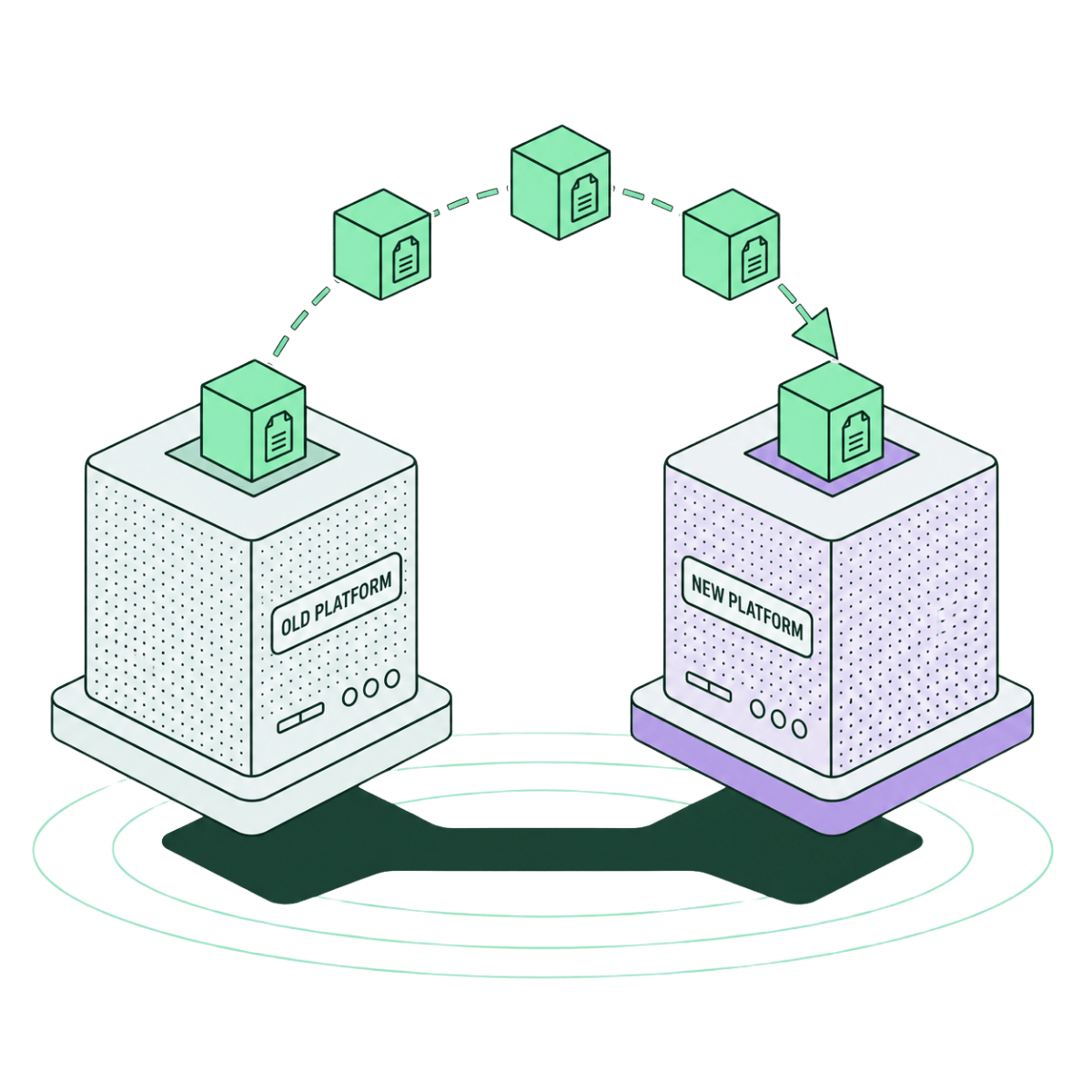
A website relaunch is any deep change to what search engines, large language models (LLMs) and users evaluate on your site: domain, URL structure, CMS, design, navigation, hosting, template or a combination of these. Whether you call it an SEO migration, relaunch or website migration, it usually means the same process.
More important than the label is the risk profile:
Migration type
What changes
SEO risk
Redesign
The look; URLs, structure and tech stay
Low to medium
Replatforming
CMS or shop system (e.g. from OXID to Shopify), often incl. customer data and orders
Medium to high
Domain migration
Domain, brand or both
Very high, especially in AI systems
(Graphic: risk profile by migration type)
The "SEO website migration 101": 1 + 1 rarely makes 2, unless you're merging two platforms after an acquisition. Otherwise a migration is above all risk mitigation. The business case is defensive: if it goes wrong, you lose revenue for the long term.
Why website relaunches fail from an SEO perspective
During a relaunch many things happen in search engines at once: bots have to re-crawl, index and re-evaluate, the crawl budget (the number of URLs search engines fetch per time window) is spread across new paths, the link equity of external references only carries over via clean 301 redirects, and user signals like click-through rate and dwell time reset.
From migration day I expect four to eight weeks until stabilization, and in this phase search engines forgive little. But you get first insights immediately, because crawlers pick up every change promptly. The unit of time for fixing errors should be measured in hours, not days!
The biggest mistakes come from lack of knowledge, poor implementation or missing points of contact. The latter especially when no one clearly owns SEO. The technology is complex but manageable. What migrations really fail on is organization. Anyone planning an SEO relaunch therefore takes it at least as seriously as the technology. It's no use finding errors when the dev team has long since gone home.
Where it actually goes wrong, I almost always see in the same places:
- URL mapping wrong or too superficial? With thousands of URLs it's easy to lose track.
- URL mapping handed over, but individual redirects don't fire? Crawl the old domain in parallel with Screaming Frog so no URL slips through.
- Frontend and backend rolled out separately? Plan a two-week feature freeze with a recovery buffer and rollback criteria per component.
- External agency or service provider involved? Define before go-live who is reachable for hotfixes in the first 24 hours.
- Go-live timing without a buffer? Whoever migrates Thursday at 4 pm has one day for hotfixes, then only the weekend on-call. Plan the go-live for early in the week.
- Migration with a brand or domain change? Plan the move of PR and brand mentions in parallel, otherwise you start from zero in AI search. Feeds and the Google Business Profile also have to move along.
- Points of contact briefed, but the follow-up is shaky? You need a checklist and a backup so the checks run in a standardized way per template type, no matter who does them.
The best safeguard is a staging environment: if the migration runs there first and then goes live in a controlled way, you catch most problems before they appear live.
Your taskforce: who takes ownership?
Before every relaunch I ask the same question: who decides on go-live day whether the migration continues or is rolled back, and to whom do you report problems so they get prioritized by business case? In seven out of ten projects there is no clear answer, because every discipline works on its own and everyone thinks: it'll be fine.
In complex migrations with internal IT, an agency, a content team and marketing there are too many handovers. If a redirect in the .htaccess (the web server's configuration file) doesn't fire, a canonical tag (the HTML tag that tells Google the authoritative URL version) is missing or meta data stays empty, you need someone who decides and resolves it.
Before every kickoff I therefore define a role assignment, in addition to the task list. At its core this is simple RACI logic: one person is accountable, the teams are responsible. Per team one named person plus a backup, reachable on go-live day and after:
Role
Owner
Responsibility
Overall control
One person with decision authority (you)
Weighs SEO against tech and deadline, decides on rollback at go-live
Development
Development team or agency
Redirects, templates, deployment, canonicals, meta data
Server & infrastructure
Service provider or dev team
.htaccess, status codes, DNS, hosting
Analytics & monitoring
Analytics or data team
Tracking and live checks in the first 24 hours, early-warning signals
For overall control: here you have to be rock-solid and provide a business case per problem if needed. Every role gets a response time and an escalation path, and behind every team stands a concrete name. That costs two hours up front and often saves weeks of recovery time.
Careful with large projects: here people like to run scripts to generate the .htaccess. If something doesn't work, you also need the owner for it.
Technical must-haves before go-live
Before every go-live I tick off a series of technical building blocks and structure a transparent checklist.
URL mapping: the heart of the migration
The URL mapping is the complete list of all old URLs mapped to the new URLs, including a qualification per URL. A missing mapping is the single most common cause of traffic losses after a relaunch. The basis of every decision is relevance: assess each URL by the KPIs you already monitor, such as GA4 revenue, impressions, clicks, position, backlinks and AI mentions. Small tip: weight the individual metrics and you get a scoring model as guidance.
At Boost it we put an enormous amount of effort into this step, because this is where the migration's profit and loss is decided.
(Graphic: example URL scoring with weighted metrics)
Migrate, consolidate or delete
There are three options per URL:
- Migrate. The page is relevant and gets migrated, including content, meta data, images, alt texts and internal linking.
- Consolidate. Several weaker pages flow into a stronger one. You keep the best-performing URL and redirect the rest to it via 301. This strengthens authority but risks revenue if the new page doesn't cover all of the predecessors' search intents. Check in detail.
- Delete. Pages without traffic, backlinks and strategic importance get status 410. If signals do appear after all, e.g. external links, you redirect via 301 to the appropriate new URL.
(Graphic: redirect map, three decisions per URL)
A 301 alone isn't enough, though. Every redirect needs a fully equivalent counterpart in terms of content. My rule of thumb: what worked before has to keep working afterwards.
Images, PDFs and media files have URLs too and belong in the mapping, and internal linking points directly to the new targets. Remember: every single URL changes. So give external marketing agencies early notice too, so feeds and campaigns are updated.
Further technical building blocks
I check the following points before every go-live:
- URL structure. Short, meaningful, without session IDs or dynamic parameters, that much is clear. More important is that the structure is agreed in advance and then applied consistently.
- robots.txt and XML sitemap. The robots.txt governs what crawlers may do. The sitemap shows them what to crawl. Both have to point to the new website at go-live and be submitted in Search Console. It helps to keep the old sitemap online temporarily. That way Google re-crawls the old URLs, detects the redirects faster and transfers the signals to the new URLs more quickly. For a domain change you also report the move via Search Console's Change of Address tool. The same applies to Bing Webmaster Tools, which offer their own function for domain moves.
- Canonical tags. Duplicate or empty canonicals are a classic mistake when switching platforms. Simple errors often creep in here, such as a wrong protocol, inconsistent trailing slashes or an unadjusted URL syntax.
- hreflang tags. On multilingual sites the language and country references have to be linked correctly. A classic is that they still point to the old structure after the relaunch.
- Staging environment. You keep the test version invisible to Google via robots.txt, basic auth or a noindex header. Indexed staging pages cost trust. More common is the reverse mistake: the staging robots.txt or a sitewide noindex accidentally go live, and suddenly no crawler is allowed to visit the live site.
- Core Web Vitals. Load time, interactivity and visual stability are ranking factors. A slower relaunch is a step backward. Often it's uncompressed images or videos that slow down the new build.
- Structured data. The schema markup for products, articles and FAQs has to at least maintain the previous level.
- Backup and rollback capability. Before go-live you fully back up the old state, including database and configuration. Only then is the taskforce's rollback more than a plan on paper. Agree it in advance and clarify up to which step it's even possible.
- llms.txt, if present. Treat it like the robots.txt. If the URL scheme changes, the URLs listed there have to move along. It is not a proven ranking or citation lever for AI search as things stand today. Some systems now generate it automatically, so check whether one even exists for you.
- Manual check. Check individual templates against predefined to-dos, from the category page to the checkout.
Anyone setting up a detailed project plan gives each of these points clear responsibilities.
The timeline: from T-30 to T+90
A migration runs over months and follows three phases. My checklist attaches concrete tasks and responsibilities to each phase:
| Phase | Zeitraum | Fokus |
|---|
| Pre-Launch | T-30 bis T-7 | URL-Mapping finalisieren, Staging testen, Rollen verteilen, Monitoring und Referenzdaten aufsetzen |
| Launch | T-0 | Go-Live früh in der Woche, Live-Checks pro Template, Hotfix-Bereitschaft |
| Post-Launch | T+0 bis T+90 | Monitoring über mehrere Systeme, Indexierung und Rankings tracken, Recovery dokumentieren |
The complete checklist with all tasks, checkpoints and responsibilities is available as a Google Sheet. [insert link to checklist]
AI visibility: the blind spot of 2026
Classic migration checklists assume that clean 301 redirects preserve visibility. For classic search systems that's true. In AI search systems like ChatGPT, Perplexity, Claude and Gemini the assumption no longer holds, and that's exactly where your audience's research has long been happening.
AI answers draw on two sources: what a model learned about brands and domains during training, and what it retrieves and cites live from the web at runtime. This interplay is called grounding. A 301 moves your pages. The learned brand associations and the external mentions that made you a trustworthy source remain untouched by it. With a pure CMS switch keeping the same brand and domain, grounding stays stable. With a real brand or domain migration it partly or fully resets, despite clean 301 redirects.
How quickly grounding rebuilds after a change depends on the source:
| Quelle | Zieht nach der Migration mit? | Dein Hebel |
|---|
| Deine eigenen URLs | Schnell und meist zuverlässig, am sichersten in Googles Modellen | Sauberes URL-Mapping und 301-Weiterleitungen |
| Externe Erwähnungen und Zitate | Verzögert | PR-Shift zum Go-Live, wichtige Quellen vorab informieren, Verzeichnisse und Wikipedia aktualisieren |
| Trainingswissen der Modelle | Langsam und nur teilweise, relevant erst bei Marke- plus Domain-Wechsel | Konsistente Brand-Mentions, GEO-Monitoring, Geduld |
[Graphic: how quickly does each source catch up?]
So it's not a hard, permanent reset. With PR, consistent signals and time, grounding rebuilds, measurably faster for strong brands. That's exactly why these three levers belong in every plan with a brand or domain component:
- PR shift in parallel with go-live, so external sources pick up the new brand.
- Consistent brand mentions updated in directories, on Wikipedia and in industry databases.
- Your own GEO monitoring, set up twice (old brand and new brand), checking whether the new brand appears in AI answers.
Classic SEO authority remains central for AI systems too: whoever is organically strong and cleanly cited is more likely to appear in AI answers as well. 301 redirects remain mandatory, AI visibility is added as its own workstream. Keep it in mind for risk mitigation too: consolidating two brands can be smart from a brand and operations view, but not from the search systems' view.
The first 48 hours: tools and monitoring
The first 48 hours after go-live decide whether the migration turns into a fast stabilization or a three-month cleanup project. If crawlers repeatedly hit 5xx errors or broken redirects, that gets baked into the index and trust drops.
Google Search Console alone isn't enough, because its data usually lags 48 to 72 hours. You need your own third-party tools and separately tracked projects, which you can't set up just before the relaunch, otherwise the reference data is missing.
My monitoring stack for the first 48 hours:
| Tool / Quelle | Wofür | Wann aufsetzen |
|---|
| Screaming Frog | Tägliche Crawls: 4xx, 5xx, fehlende Canonicals, leere Meta-Daten. Praktisch: Screaming Frog MCP mit Claude hilft bei der Interpretation | Vor dem Go-Live, inklusive Crawl der alten Seite als Referenz |
| Server-Log-Analyse (Log File Analyser, GoAccess) | Live-Sicht, welche URLs der Googlebot mit welchen Statuscodes abruft. Die einzige Quelle ohne Verzögerung | Vorab |
| Sistrix, ahrefs, SE Ranking | Sichtbarkeitsindex und Ranking-Bewegungen der ersten zwei Wochen | Mehrere Wochen vorab, für Referenzdaten |
| Search Console und Bing Webmaster Tools | Indexierungsstatus, Crawl-Statistiken, Change-of-Address | Bestehend, Daten mit 48 bis 72 Stunden Verzögerung |
| KI-Monitoring (Peec AI, Profound, PromptWatch) | Erscheint die Marke in ChatGPT, Perplexity und Claude? | Vorab, sonst fehlen Referenzdaten |
| Manuelle Checkliste mit Template-Check | Interne Raffinessen, Setup und Prioritäten | Vor dem Go-Live definieren, samt Backup-Person |
The manual template check seems old-fashioned, but it's the only thing that accounts for your internal specifics. Which tool combination fits depends on size, CMS and migration type.
Four migrations from practice
Case 1: CMS relaunch of a European holiday-park provider. Frontend and backend were swapped at the same time. There was URL mapping, a plan, a team, staging and a feature freeze, basically perfect. What was missing was a single person with clear responsibility across the various business units and external agencies. In the first 36 hours, canonical problems appeared in several language versions that no one escalated in time, because the team structure was incredibly complex and some redirects didn't work. Two dev teams, developers in India, the USA and Australia. A dream.
[Screenshot: GSC history case 1]
Case 2: shop migration of a premium D2C accessories brand. The dev side had an optimistic timeline but no mapping at all. Within a few days we were able to help, only to ultimately find: all editorial content like how-tos, guidelines and style guides won't be migrated because the templates aren't ready. To this day the rankings haven't come back. A clear failure from the earlier coordination rounds.
[Screenshot: GSC history case 2]
Case 3: shop migration of a premium confectionery provider. Here the taskforce was clearly staffed. In the first 48 hours we found, via log-file analysis, around 800 URLs that Googlebot was fetching but that were missing from the redirect map. The fix ran within twelve hours. After six weeks, visibility was back above its pre-launch level.
Case 4: brand migration of a tech platform. New domain, new brand name, technically clean. Organic Google visibility recovered after eight weeks. AI visibility didn't recover on its own. It took around six months of targeted PR work and new brand citations.
All four migrations followed a plan. The difference was made by ownership, communication and monitoring. At the Rocket Internet ventures the lesson was the same: the most expensive migration is the one where no one took ownership of SEO beforehand.
Three takeaways if you're planning a relaunch yourself:
- Clarify ownership before the kickoff. Accountability, escalation paths and reachability at go-live are essential. A URL mapping is mandatory.
- Build monitoring across several systems. Search Console alone is too slow as an early-warning system (Screaming Frog, Sistrix, ahrefs, Peec, manual checklist).
- Plan AI visibility as its own workstream. With brand or domain changes, 301 redirects won't bring you back in ChatGPT and Perplexity.
Anyone planning a website relaunch therefore clarifies the simplest question first: who presses the red button on go-live day? If there's no clear answer, that's the one thing you should solve this week. You can work through the rest of this guide afterwards, with or without an external SEO agency at your side. And if you want support with it: these are exactly the kinds of migrations we handle at Boost it. [internal link: contact or service page]
FAQ: website relaunch and SEO
How long does recovery take after a website relaunch?
With a clean migration I expect four to eight weeks until stabilization. Crawlers deliver first signals immediately, so the unit of time for fixing errors should be measured in hours, not days. Serious mistakes like a missing URL mapping quickly cost six months or more.
Do you inevitably lose rankings through a relaunch?
No. Short-term fluctuations in the first weeks are normal. Lasting losses almost always come from missing URL mapping, broken redirects or unclear ownership, and these three points can be solved in advance.
What is a URL mapping?
The complete list of all old URLs mapped to the new ones, including a decision per URL: migrate, consolidate (301) or delete (410). A missing mapping is the single most common cause of traffic losses after a relaunch.
301 or 410: which is right when?
301 for every relevant page with a fully equivalent counterpart in content. 410 for pages without traffic, backlinks and strategic importance. If signals appear later after all, e.g. external links, you add a 301 to the appropriate new URL.
What does grounding mean in AI search?
AI answers draw on two sources: the knowledge about brands and domains learned during training, and what models retrieve and cite live from the web at runtime. This interplay is called grounding. A 301 moves your pages. The learned brand associations and external mentions remain untouched by it.
Do I need an llms.txt?
As a lever for AI search as things stand today: no. There is no solid evidence that an llms.txt improves rankings or AI citations. If present, treat it like the robots.txt and keep the listed URLs up to date after the migration.
When is the best time for go-live?
Early in the week, with a buffer for hotfixes and outside your peak season. Whoever migrates Thursday afternoon has one day for corrections and after that only the weekend on-call.
About the author
Stephan Stensky is the founder of Boost it, an agency for holistic, organic growth with a focus on SEO, GEO and performance marketing. Before Boost it he supported global ventures like Foodpanda, Delivery Hero, Linio and Dafiti at Rocket Internet in growth, internationalization and migrations. Today he works with ambitious brands on being visible where decisions are made: in search systems, in AI answers and wherever the relevant audience is.
LinkedIn: https://www.linkedin.com/in/stephanstensky/






_format(webp).webp)










.png)